In this article 12 sections
When you enter a website address, the browser needs to discover where to connect. DNS supplies that information through a distributed naming system. Most visits do not repeat every possible lookup step because devices and resolvers reuse cached answers.
Understanding the uncached sequence helps explain what happens when a record changes or a site fails to resolve. It also prevents a common troubleshooting mistake: changing nameservers repeatedly when the fault is actually a certificate, hosting configuration or expired registration.
The pieces involved
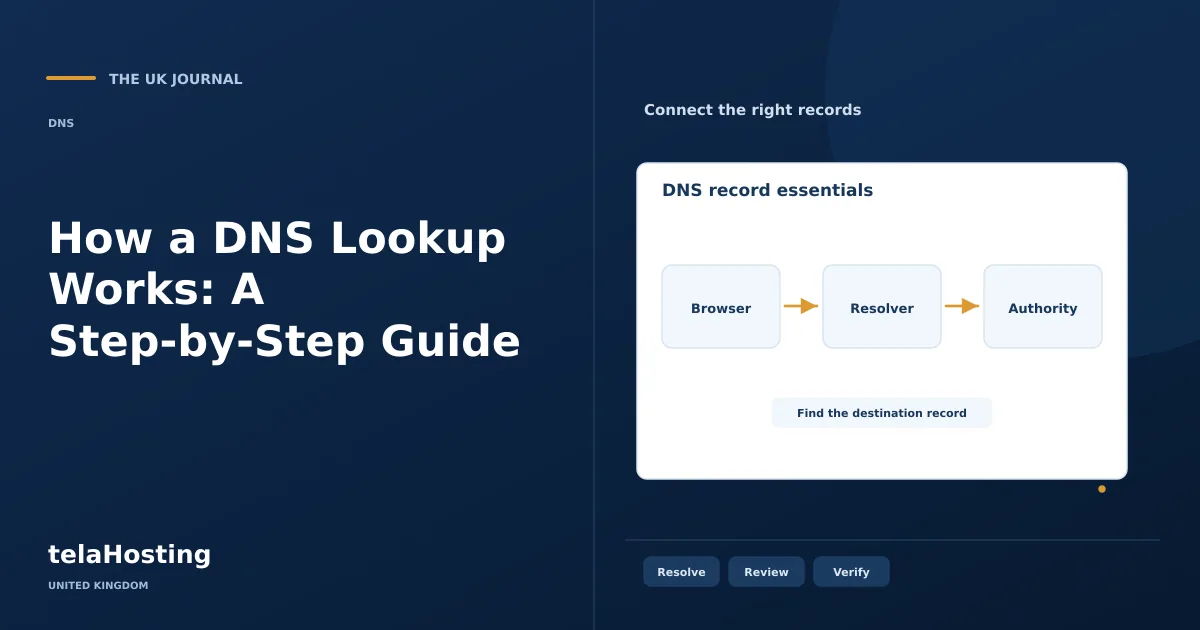
A hostname is the name being looked up, such as www.example.com. A recursive resolver finds an answer on the client's behalf. Root and top-level domain servers provide referrals through the hierarchy. An authoritative nameserver supplies records from the relevant zone.
The record type matters. An A question asks for IPv4 addressing, AAAA for IPv6, MX for mail routing and TXT for text-based information such as a verification record. A domain can have one type present and another absent without being generally broken.
The hostname in this guide uses an IANA documentation domain. It is an illustration, not a domain offered for registration or a live configuration to copy into your account.
1. The browser identifies the hostname
In https://www.example.com/advice/, DNS concerns the hostname rather than the path /advice/. The browser can make requests for several hostnames while loading a page, including images, fonts and third-party services. Each may have its own resolution and connection work.
The browser and operating system may already hold a suitable answer. If so, they can use it without asking an external resolver again. Existing connections can also avoid some work, which is why a repeat visit may differ from a first visit.
2. A recursive resolver handles the question
If the device needs an answer, it sends a query through its configured DNS arrangement. The recursive resolver may be supplied by a network or another chosen service. It first considers its cache; a usable cached answer can end the search quickly.
A resolver is not the same as the authoritative DNS provider you selected for your own domain. Changing your laptop's resolver affects how that laptop asks questions. Changing a domain's authoritative nameservers affects where its public records are published.
3. Root servers provide the top-level referral
If the resolver lacks the necessary cached information, it can ask a root server where to find the relevant top-level domain's servers. The root does not normally return the final website address for every domain. It provides the next direction in the hierarchy.
The DNS is distributed; it is not one central database receiving every browser request. Referrals and cached information let resolvers navigate the hierarchy without restarting from the root for every question.
4. The TLD servers identify the delegation
For the illustrated name, the resolver obtains information from the .com part of the hierarchy. That points it towards the authoritative nameservers for the relevant registered domain. Other suffixes and delegated subdomains follow their appropriate hierarchy.
A delegation tells the resolver where to ask; it does not copy website files or mailboxes. Incorrect delegation can prevent access to otherwise correct records at a DNS provider, so registrar settings and zone contents must agree.
5. The authoritative server provides the record
The resolver asks an authoritative server for the requested record. An A or AAAA response can supply an address. A CNAME may indicate another name that needs resolution, while an absent record can produce a different result from a nonexistent domain.
Cloudflare's DNS introduction explains these roles. The practical check is whether the authoritative service returns the expected type and value, not merely whether a control panel displays a saved record.
6. The client connects and caches the result
The resolver returns the answer and the client can establish the relevant connection. HTTPS negotiation and the application's response happen after or alongside that connection work. DNS success does not guarantee that the website returns the correct content.
TTL values influence how long cached answers can be reused. Negative results can also be cached. Updating a record at the authoritative provider does not rewrite copies already held elsewhere, and lowering a TTL afterwards does not retroactively shorten those old copies.
A compact view of the sequence
| Stage | Question being answered |
|---|---|
| Client cache | Do we already have a usable answer? |
| Recursive resolver | Can I answer, or must I find the authority? |
| Root referral | Where are the relevant TLD servers? |
| TLD referral | Which servers are authoritative for this domain? |
| Authoritative answer | What is the requested record or response? |
| Connection | Can the intended service answer at the resulting destination? |
Check DNS with read-only tools
dig example.com A asks for an IPv4 record, while dig example.com MX asks for mail routing. dig example.com NS helps inspect nameserver information. You can specify a resolver or authoritative server to compare answers, using the command's documented syntax.
Windows users can also use nslookup example.com. Google's Admin Toolbox Dig offers a public web interface. A traceroute investigates the network path; it is not a replacement for inspecting DNS response status and records.
Record the query name, type, server, response status, answer and time. Repeat results carefully: the second request may be cached and therefore faster. A single query time is not a complete benchmark of a DNS service.
Diagnose the response before changing settings
NXDOMAIN indicates that the queried name does not exist according to the response. Check spelling, delegation and registration status. A response with no requested record is not necessarily the same condition.
SERVFAIL can arise from several failures, including DNSSEC validation problems. Compare authoritative responses and review recent delegation or signing changes. Switching the local resolver can help investigate a difference, but it does not repair a broken public configuration.
A timeout suggests no answer arrived within the wait. Check reachability and whether the problem affects one server or several. An old address may reflect caching, but first confirm that the authoritative zone has actually been changed.
Read a lookup result in context
When reviewing a command result, check the queried name and record type before looking at the value. An answer for www does not establish the root domain's configuration, and an MX lookup does not show whether the mail server will accept a message. Confirm which server answered and whether you intentionally asked the authority or a recursive resolver.
A DNS answer may contain several records, aliases or referrals. Follow the actual chain rather than taking the first number in an output window as the website's only address. An answer can also vary intentionally through load balancing or regional delivery, so compare it with the service's documented design.
Protect the distinction between DNS and connection security. DNSSEC validates signed DNS information, while HTTPS protects and authenticates the relevant connection. Neither is a general certificate that every page, plugin or business claim is trustworthy. If a browser reports a certificate problem after a successful lookup, investigate the hostname and certificate coverage at the service endpoint.
Plan changes and monitor the right service
For a website move, prepare the destination, record old values and update the required A and AAAA records deliberately. Preserve email and verification entries. If moving DNS providers, copy the zone and review DNSSEC before changing nameservers.
There is no universal propagation deadline that replaces these checks. Keep both systems available for an appropriate overlap and watch actual responses. When asking domain support for help, supply the hostname, record type, timestamp and observed response so the investigation can begin with evidence.
Follow the subject
Your perspective
Join the discussion
Ask a question, share what worked, or add a useful detail.
Loading discussion…
Comment moderation
Only approved contributions appear in the discussion.