 Web hosting basics
Server response is part of the time a customer waits, but it is not the whole page experience. Explore ten practical effects, understand location and latency, and use a controlled investigation to identify whether the problem is the network, application, infrastructure or browser before recommending a fix.
6 min readUK article
 Troubleshooting
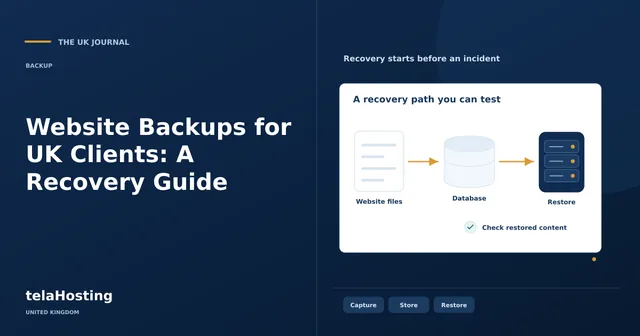
A backup is useful when the business can recover the right information in an acceptable time. Learn how to define coverage, choose retention and storage, distinguish backup methods and run a meaningful restore test, including the extra work needed when malware or recent transactions complicate recovery.
6 min readUK article
 Virtual private servers
Managed VPS plans differ in the work they include. Use six practical checks to assess the operating scope, compare documented telaHosting allocations and plan recovery, software and migration responsibilities without confusing a self-managed price with managed service.
6 min readUK article
 Domain names
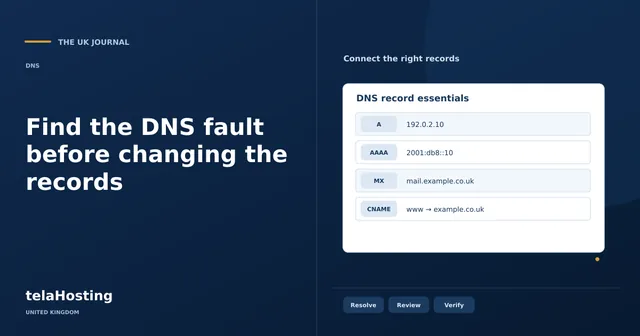
A failing website does not always mean DNS is broken. Work through fourteen common problems with a practical diagnosis-first approach, separating address records, delegation, caching, DNSSEC, email authentication and application errors so each change has a clear purpose.
6 min readUK article
 Website development & management
A crashed website needs a structured recovery, even when the cause appears to be a recent update. Start by establishing what has stopped working and preserve the current state. Repeatedly changing settings can hide the original cause and make a straightforward rollback much harder.
6 min readUK article
 Website development & management
If your website is showing unexpected redirects, unknown administrators or a malware warning, treat it as a suspected incident. The immediate priorities are to limit further harm, preserve useful evidence and establish trusted control. Removing the most visible symptom is only one part of recovery.
6 min readUK article
 Website development & management
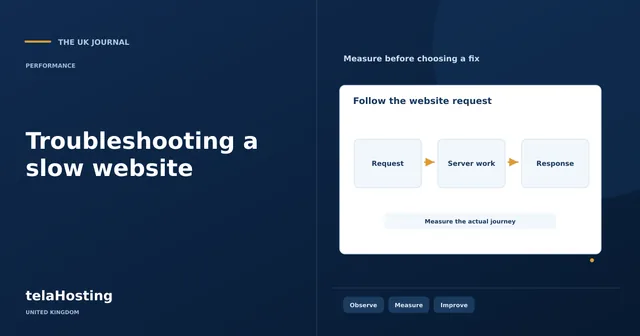
A slow website can have several causes at once: a delayed server response, an oversized image, a busy database or JavaScript that blocks interaction. Troubleshooting means collecting evidence, changing a likely cause and checking whether the customer’s experience improved. Installing another optimisation plugin is not…
6 min readUK article
 Website development & management
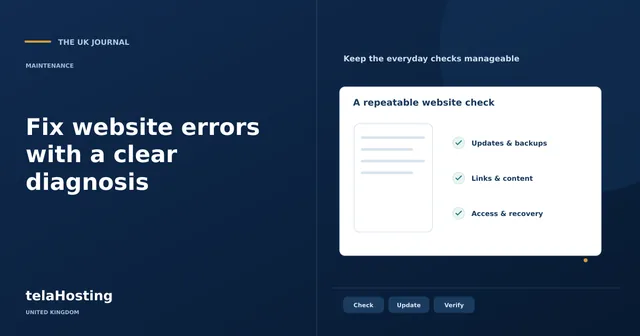
A website error is easier to fix when you identify which layer failed. This guide helps UK website owners separate server responses, broken links, certificate problems and browser faults, then make controlled changes without turning one fault into a larger outage.
6 min readUK article
 Website development & management
A backup is useful only if the right data can be recovered when needed. Learn what to include, how backup methods differ, how to choose a schedule and how to test restoration without losing new business activity or exposing customer information.
6 min readUK article
 Website development & management
A slow first response can come from the network, application or infrastructure. Learn how to separate these causes, measure cached and uncached requests, and apply nine practical improvements without confusing a lighter page with a faster server.
6 min readUK article

