

In this article 15 sections
Your first reseller account should be a controlled test of the service you plan to sell. Use WHM to define an allocation and create a client account, then verify the website, mail, access and recovery process. Do this before the first paying customer depends on the environment.
The exact functions visible in WHM depend on privileges enabled by the upstream provider. Reseller access is not the same as root administration. Follow the supplied secure access details and use the current documentation relevant to the installed version.
1. Confirm the purchased allocation
Record the plan, account allowance, storage, billing period and support route. The reviewed UK telaHosting Starter Reseller allocation lists five cPanel accounts and 20GB NVMe, with weekly backups, at £3.84/month or £38.40 annually.
Decide which accounts are for testing and which are for clients. A test account still uses the allocation. Keep sufficient capacity for a controlled first deployment and do not promise resources beyond the plan.
2. Sign in to WHM and secure access
Use the URL and account supplied by the provider rather than an invented generic login address. Check the hostname and HTTPS connection, then configure available security and recovery options.
Inspect the navigation and enabled functions. If a documented feature is absent, ask whether your reseller privileges include it. Do not attempt server-wide configuration merely because a root-admin tutorial shows the menu.
3. Confirm nameservers and DNS responsibility
Obtain the assigned nameservers and identify where authoritative DNS will be managed. If private nameservers are part of the service, arrange the provider-approved addresses and any registrar-side host or glue setup.
Entering branded names in a panel does not alone make them working nameservers. Prepare the authoritative zone and delegation consistently. Preserve mail records if the domain already supports email elsewhere.
4. Create a small test package
Where permitted, open WHM’s Add a Package function. Use a meaningful internal name and define storage, bandwidth and other applicable quotas within the reseller limits. Select the appropriate feature list.
A package is a configuration template, not just a marketing title. Keep a written copy of its allowances and intended use. Make limits match what the customer-facing service will describe.
5. Create the first cPanel account
Use Create a New Account if enabled. Enter the correct domain, username, secure credentials and contact information, then assign the test package. Review DNS and mail-routing settings for the intended service.
Record the result and account owner. Choose a domain or test name you are authorised to use. Account creation prepares the hosting side; it does not register an unowned domain or automatically fix external DNS.
6. Review the client experience
Sign in through the intended client route and inspect the available features. Check that the package’s quotas and functions are represented correctly. Use permitted branding options to keep the interface and messages coherent.
Keep the experience accurate. White labelling does not mean the reseller owns the server infrastructure. Include a clear support contact and a short explanation of the tasks clients can manage themselves.
7. Configure mail and access carefully
Create only the mailboxes and access accounts needed for the test. Follow the provider’s mail-routing and authentication instructions, preserving an external mail service where that is the plan.
Protect administrator access and give clients only the permissions appropriate to their account. Keep credentials out of general onboarding documents and informal shared notes. Review how an authorised person recovers lost access.
8. Test the service end to end
Deploy a representative website and check the main domain, www if used, HTTPS, key pages and forms. Test database connections and scheduled tasks required by the application. Send and receive external email if included.
Check the backup and restoration route through a controlled restore. A successful homepage does not show that data recovery, email or billing is ready. Keep a dated record of the results and any supplier assistance required.
9. Prepare the onboarding record
Create a concise client-facing guide with the service period, support route, authorised contacts and responsibilities. Record the domain holder and which provider controls DNS. Explain how extra work is requested.
Keep the internal service inventory separate from secrets. Link the client to the correct technical account, package and renewal record so another authorised operator can understand the arrangement.
10. Review before adding the next account
Compare actual storage and resource use with the package settings. Note repeated setup questions and improve the checklist. Confirm which tasks are yours and which need upstream support.
Add new clients gradually. Expand the upstream allocation or support capacity when observed needs justify it rather than assuming an account-management interface removes every operating limit.
Keep client boundaries clear
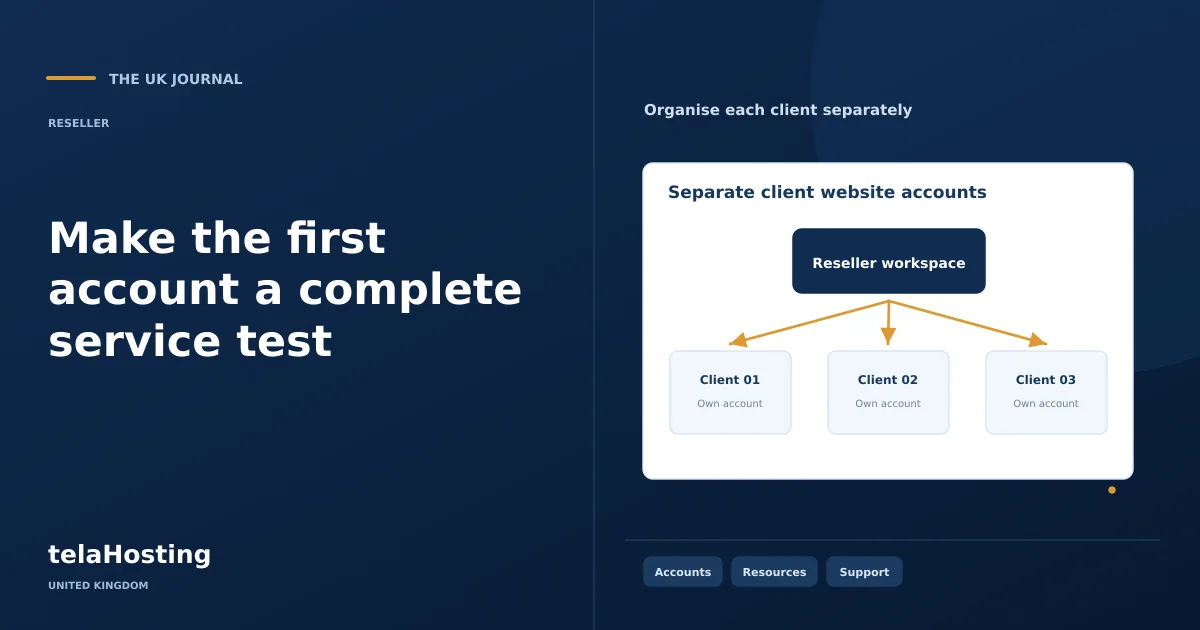
For unrelated clients, separate cPanel accounts are generally the clearer management boundary. Adding several domains under one cPanel account does not turn their directories into independently isolated accounts. The account owner and compromised application permissions can affect more than one hosted name.
Use additional domains within an account only when that shared administrative relationship is intentional and supported by the plan. Record the decision and do not give a client access that exposes another client’s files, databases or mail. The reseller account allowance matters because each separate cPanel account consumes it.
Rehearse quota and package behaviour
Check the test account’s displayed storage and other allowances against the package definition. Upload a small representative dataset and confirm where usage appears. Keep the test well within limits rather than deliberately filling production storage or disrupting the service.
Review the documented process for changing packages. A package upgrade is an administrative action and should be linked to the customer’s approved service change and billing record. It does not necessarily alter every resource imposed elsewhere by the provider. Capture any limit that is managed outside the package itself.
Understand the recovery path
A downloadable full-account backup is not the same as a self-service full-account restoration inside cPanel. Confirm which restores you can perform and which need the provider. Include files, database data and required mail settings in the recovery exercise.
Test into a controlled destination with appropriate access. Avoid overwriting the only live copy while learning the interface. Record what was restored and how the application was checked afterwards so the result is meaningful.
Test ordinary exceptions as well as success
Check how an account is upgraded, how a contact change is recorded and how a failed payment is handled in any billing integration. Use controlled test cases rather than applying experimental changes to a client.
Review which actions can suspend, terminate or overwrite data, and keep their permissions restricted. A useful first-account exercise should leave you confident in the recovery and administration paths, not only the initial creation button.
Keep the first setup reusable
Save the package settings, DNS responsibility, test results and support escalation information in a runbook. Include supplier-specific restrictions and the installed interface version where that matters.
Review telaHosting’s current reseller plans against the service you have tested. Your next account should follow a repeatable process with its own ownership and records, rather than being copied blindly from a customer whose requirements differ.
Follow the subject
Your perspective
Join the discussion
Ask a question, share what worked, or add a useful detail.
Loading discussion…
Comment moderation
Only approved contributions appear in the discussion.


