In this article 9 sections
The best DNS settings are the ones that accurately describe the services your business uses. A copied zone can look complete while sending visitors to the wrong server or preventing email delivery. Begin with the providers' current instructions and a service inventory.
A useful baseline should be understandable to the next administrator. It identifies the main website, mail system, subdomains, ownership-verification records and security dependencies. This guide explains how to design that baseline for a UK business using .uk, .co.uk or another ordinary commercial domain.
Separate required records from optional features
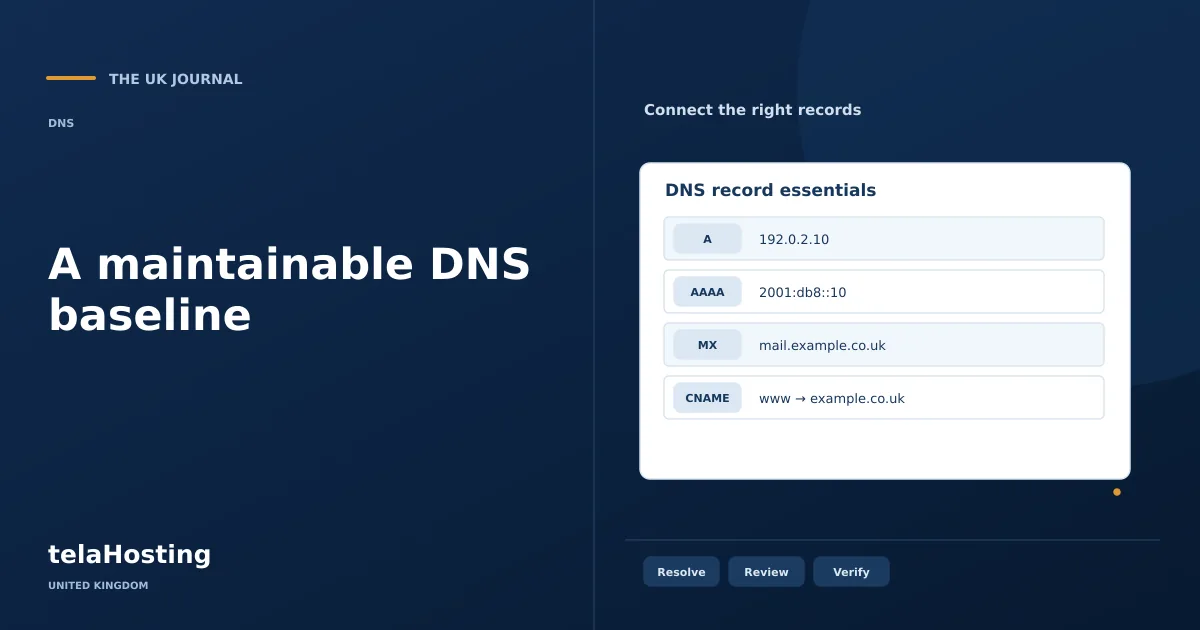
A basic website may need only an A record and a www alias, while a business using several mail senders and cloud applications can need many TXT and CNAME records. The number of records is not a measure of quality or security.
Ask what each record achieves. If a supplier gives you settings, record which service requested them and who can approve their removal. This simple habit prevents old campaigns and abandoned tools from leaving mysterious entries in the zone.
| Area | Recommended approach | Reason |
|---|---|---|
| Main website | Use the host's current A/AAAA or platform alias instructions | Targets are specific to the actual hosting service |
| www | Configure it deliberately alongside the main domain | Users and external links may use either form |
| Use the mail provider's full MX and authentication set | Delivery and sender authentication are separate jobs | |
| TTL | Use a stable normal value; plan temporary reductions for moves | Balances caching with operational change needs |
| Administration | Keep an export, named owner and change history | Supports diagnosis and recovery |
Make website answers consistent
Check the main domain and www independently. Decide which is the public preferred address, configure both in DNS and implement any canonical redirect at the web server or application. DNS aliases do not provide an HTTP redirect or a canonical URL by themselves.
Publish IPv6 only when the service supports it correctly. An old AAAA record can explain why a page works on one connection but fails on another. Conversely, several valid A or AAAA answers may be an intentional part of the provider's architecture; do not delete them simply to make the zone look shorter.
Check other names such as shop, booking or support against their actual platforms. Some hosted services require ownership verification before they will accept traffic for a custom domain. Adding DNS alone may leave the service unconfigured.
Keep inbound and outbound email settings distinct
MX records route inbound email. Use the precise hostnames and priorities supplied by the chosen mail service, and remove obsolete MX routes only when the migration plan allows it. Multiple records do not automatically provide useful backup delivery if the named systems are not configured to accept your mail.
SPF identifies permitted sending systems for the relevant domain. Include legitimate website forms, newsletters and business tools as required by their documentation. Publish one effective SPF policy at a name rather than multiple conflicting v=spf1 records.
DKIM lets a receiving system verify a message signature using information published in DNS. Configure each sender's selector correctly and plan key rotation through that provider. A selector belonging to an old service should be removed through an orderly retirement process.
DMARC builds on alignment with SPF or DKIM and gives receivers a handling policy. Start with visibility into legitimate sending services, then choose enforcement appropriate to the deployment. A strict policy applied to an incomplete inventory can disrupt genuine messages.
Choose TTL for your operating needs
For an established service, using the DNS provider's normal TTL is often preferable to setting every record to the lowest available value. Short TTLs cause more frequent lookups and do not solve a wrong destination, broken certificate or unavailable server.
Before a migration, lower the relevant TTL far enough in advance for previous cached answers to age out. Keep the new and old services available during the planned transition where possible. Restore the normal value once the move is confirmed.
Remember that delegation, record and negative-answer caching have separate details. Creating a previously absent name does not guarantee every resolver immediately stops remembering that it was absent. Diagnose the observed answer rather than repeatedly saving the same entry.
Use DNSSEC with a managed process
DNSSEC provides a way to validate the authenticity of signed DNS data. It does not encrypt the website, hide DNS queries or prevent an attacker using a stolen administrator account to change the authorised zone.
If your DNS provider supports it, follow its instructions and the registrar's process for publishing the required DS information. Confirm that validation succeeds after activation. Record the signing arrangement alongside the rest of the domain documentation.
Nameserver moves need particular care. The new provider's signed zone and the parent DS record must agree. Follow a coordinated migration procedure; leaving the old DS in place can make an otherwise correct new zone fail validation.
Limit administrative access and protect recovery
Use strong, unique credentials and available multifactor authentication for registrar and DNS accounts. Give access according to responsibility rather than sharing a single password with every agency and contractor.
Use a recovery arrangement the organisation will retain. A freelancer's private mailbox should not be the only way to recover the account. Keep billing, registrant and operational contact details current, particularly when staff or suppliers change.
For important changes, record the request, approver, old value and new value. A second review of destination addresses and mail policies is useful when the zone supports a busy shop or many staff accounts. The process should be proportionate, but it should exist.
Validate a baseline before calling it complete
- Confirm the parent delegation identifies the intended authoritative DNS service.
- Query the main domain, www and every active service subdomain.
- Compare A and AAAA destinations with the provider's instructions.
- Check MX, SPF, DKIM and DMARC against each legitimate mail sender.
- Test HTTPS, forms, inbound mail and outbound mail in the actual applications.
- Check DNSSEC validation if enabled.
- Save a dated export and note who owns the configuration.
Use a recursive lookup and, when investigating a discrepancy, query the authoritative server directly. An answer that differs only at a caching resolver needs a different response from a mistake in the authoritative zone.
Make monitoring specific enough to act on
For a critical domain, monitor the actual names and services customers depend on. A successful lookup for the main A record says little about an expired certificate, an absent MX record or an unavailable booking subdomain. Decide who receives an alert and what evidence they should collect before changing the zone.
Keep monitoring expectations proportionate to the business. A small brochure site and a transaction-heavy service may require different response arrangements. What matters is that an alert identifies a meaningful problem and reaches someone with the authority and account access to investigate it.
Review after business changes
A new newsletter platform, outsourced helpdesk or website migration can change the DNS baseline. Include DNS in the supplier's handover checklist rather than discovering the dependency when messages stop or a verification expires.
Review inactive subdomains too. A record pointing at a third-party service that the organisation no longer controls may need prompt retirement according to that platform's process. Delete it deliberately after checking dependencies, rather than leaving abandoned configurations indefinitely.
Your baseline is complete when someone else can explain what every important entry does, identify the responsible service and verify it works. The goal is a maintainable business configuration, not a long list of settings that merely resembles another company's zone.
Follow the subject
Your perspective
Join the discussion
Ask a question, share what worked, or add a useful detail.
Loading discussion…
Comment moderation
Only approved contributions appear in the discussion.